
DTF Gangsheet
Builder Made Easy
Design your gangsheets, maiximize your prints,
and save ink. time & money with BSBhobby
Maximize
print Space
High Quality
Output
Professional
Results
Work
Faster
DTF WordPress Plugin
Unlike basic integrations from other providers, BSBhobby gives you the complete toolset, every feature available for Shopify is also available for WooCommerce, ensuring you never compromise on your workflow
Gang Sheet Creation from Your Product Page
Seamlessly create print-ready gang sheets from the designs associated with your WooCommerce products. No more exporting and re-uploading files.
Goodbye to Manual Workarounds
No more manual file uploads or frustrating workarounds. BSB hobby automates your print production directly from your WooCommerce dashboard
Trust and Reliability
.
Our robust, purpose-built integration provides a reliable connection, eliminating the bugs and broken workflows common in other solutions
Build a Gang Sheet in 4 Simple Steps
From upload to print-ready file in under 5 minutes. No design experience needed.
Upload Your Designs
Drag & drop PNG, SVG, AI, PSD, PDF, or JPG files. Up to 600 DPI supported. Batch upload unlimited designs at once.
AI Auto-Nest
Click one button. Our AI engine arranges all designs for maximum fill in under 0.1 seconds — 85–95% sheet utilization every time.
Preview & Price
See real-time pricing, verify DPI per design, check fill rate, and adjust layout. Everything you need before committing.
Order & Print
Place your order or download. Auto-generated white channel included — your file is RIP software ready. Zero post-processing needed.
Every Tool Your DTF Workflow Actually Needs
Every feature your DTF workflow needs — built into one powerful DTF gang sheet software platform. Use it as a DTF tool for a single order or as full production infrastructure for your print shop.
AI DTF Auto-Nesting
One-click intelligent layout engine. Finds the densest arrangement for all designs in under 0.1 seconds. Maximum yield, zero manual effort.
Canvas + Smart Pricing
Dynamic canvas grows with your designs. Live pricing updates as you fill the sheet. Pay exactly for what you use — no waste, no overpaying.
Auto White Channel + Sharpen
Production-ready white channel generated automatically on every export. Auto-sharpening included. Files are RIP software ready out of the box.
AI Image Generator
Built-in AI image creation tools. Generate DTF-ready designs from prompts directly inside the builder. No external tools needed.
Design Gallery + Templates
Hundreds of ready-made T-shirt PNG designs in the library. Find, customize, and add them to your gang sheet in seconds. Speed up every order.
Background Remover
One-click background removal and AI-powered image upscaling built in. Upload any image and make it print-ready instantly. Unlimited cloud storage.
Shopify & WordPress Integration
Orders from your online store flow directly into the builder. Works with Shopify, WooCommerce, and any custom platform via API. Automate your workflow end-to-end.
30+ Languages & DTF Spot Color
Serve customers in 30+ languages. Full DTF spot color workflow support for production-accurate output. Built for global print operations.
What Changes When You Stop Doing This Manually
A sample production scenario — based on the kind of workflow improvement that comes from eliminating manual gang sheet layout.
30–60 min per batch
Open your design software. Manually position each design. Adjust sizes. Estimate sheet fill. Repeat for every order.
Manual white channel step
Build the white underbase layer per design. Apply sharpening manually. Export in correct format for RIP software. Error-prone, time-intensive.
~60–70% sheet utilization
Manual arrangement rarely approaches the density that software optimization achieves. Film waste accumulates across every production run.
Every order is manual
No integration between your store and your production queue. Files arrive by email, DM, or shared folder — and someone has to manage them one by one
Under 1 second per batch
Upload designs, click AI Auto-Nest. Layout is done. The first hour of every morning shift is now a few minutes — or fully automated for Shopify orders.
White channel automated on export
Every export includes an auto-generated white channel built from each design's alpha mask, with auto-sharpening applied. RIP-ready. No separate step, no manual editing.
85–95% sheet utilization
AI nesting consistently outperforms manual placement, maximizing usable film per batch. Better fill rate = lower cost per print across your whole production volume.
Shopify orders route automatically
On Growth plan and above, incoming Shopify orders route directly to the builder queue. No file management, no manual importing — orders come in and go straight to production.
Everything You Need. One Simple Builder.
Professional-grade design tools that ensure every print is perfect, with advanced color management and image processing capabilities.
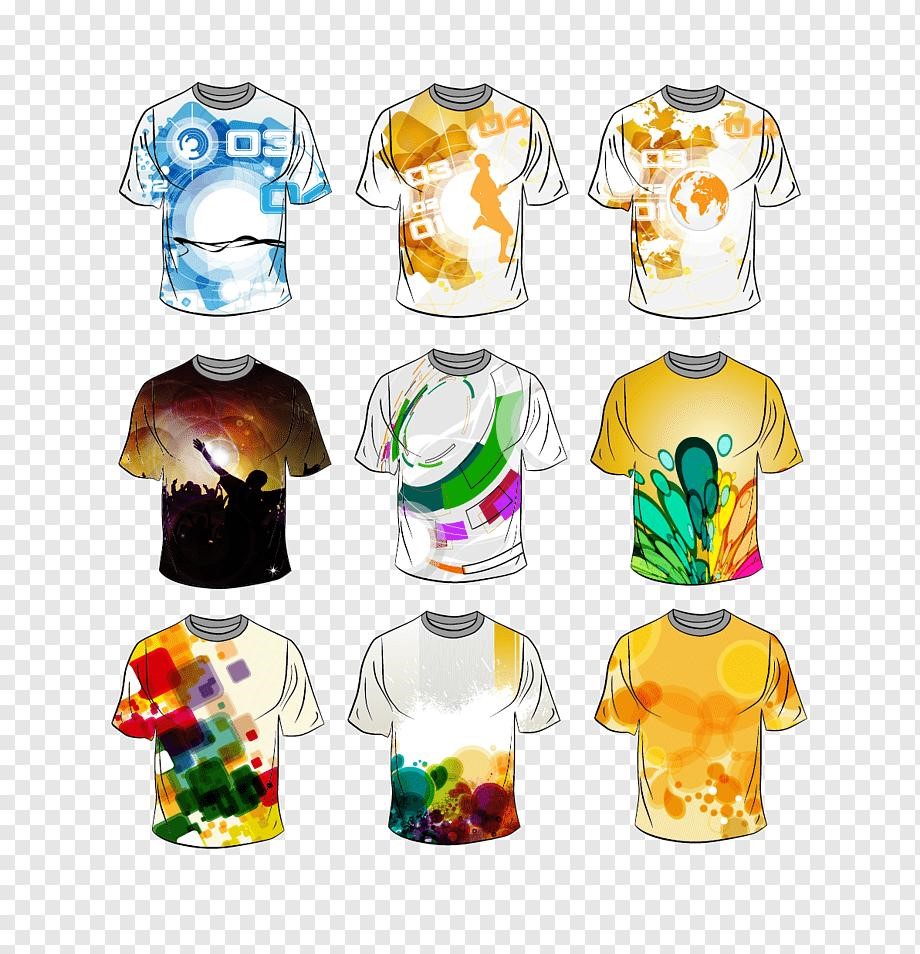
One-Click BG Remover
Instantly remove backgrounds from any image with AI precision, creating clean designs ready for DTF printing.
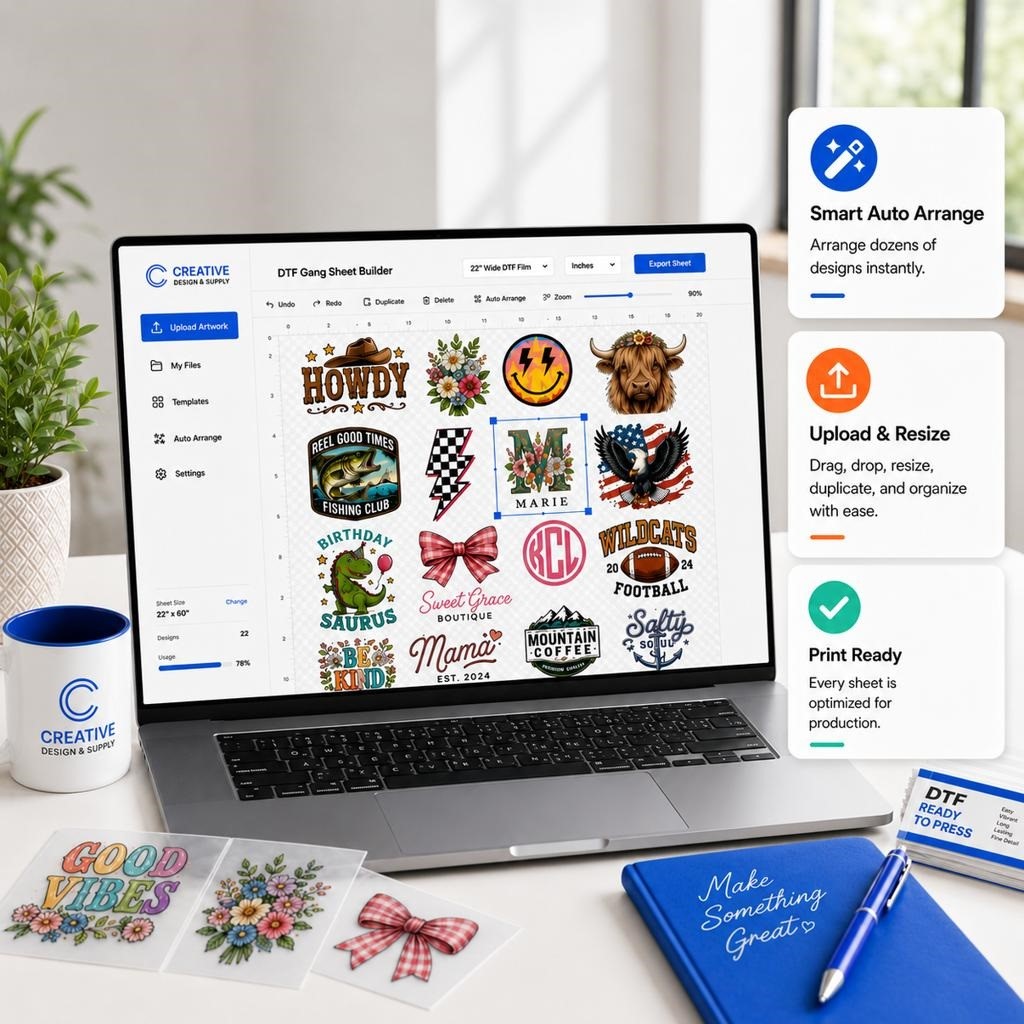
Drag & Drop Layout
Arrange your artwork exactly where you want it.
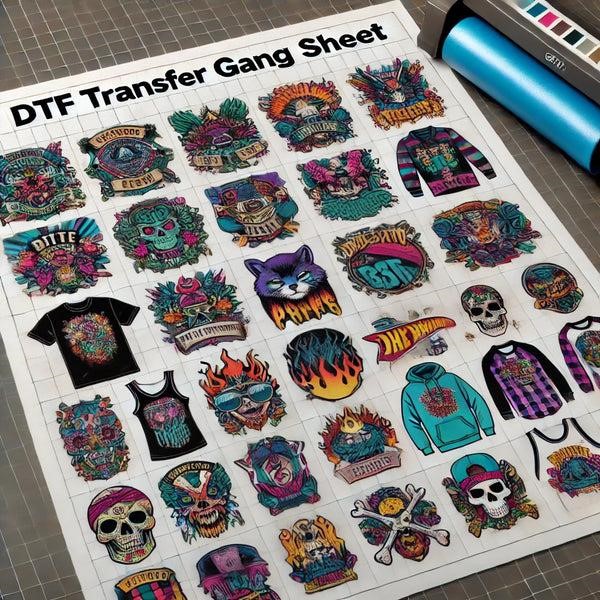
Print-Ready Export
Download your completed gang sheet for your preferred printer.
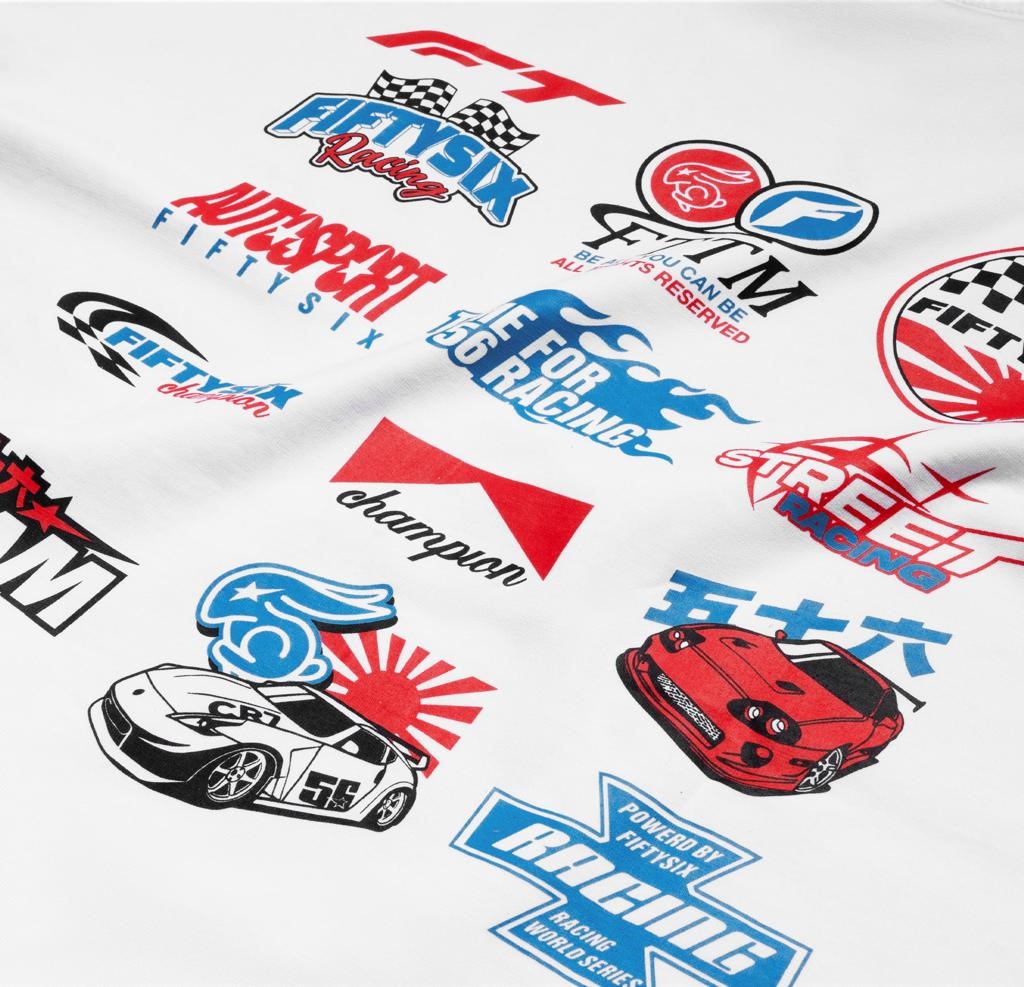
Resize & Customize
Adjust artwork dimensions and positioning.
Frequently Asked Questions
Is there a gang sheet calculator — can I see the price before I order?
Yes — the builder functions as a live gang sheet calculator. As you upload designs and fill the sheet, the price updates in real time. You see the exact total, sheet fill rate, and DPI per design before committing to anything. Pay-as-you-go orders start at $10 (13 sheets × $0.15) and the full price is always visible before checkout. No hidden fees or per-export charges are added at the end.
⏱ How long does it take to build a gang sheet?
With DTF Gang Sheet App, the full process from upload to ready-to-order typically takes under 5 minutes. Uploading files takes seconds, AI auto-nesting completes in under 0.1 seconds, and reviewing your layout and price takes 1–2 minutes. Compare this to manual file preparation which typically takes 30–60 minutes per batch — plus a separate white channel step on top. orders start at $10 (13 sheets × $0.15) and the full price is always visible before checkout. No hidden fees or per-export charges are added at the end.
📋 What's the easiest way to build a gang sheet for DTF printing?
The easiest way to build a gang sheet for DTF printing is to use a browser-based builder like DTF Gang Sheet App. Upload your design files in any format (PNG, SVG, AI, PDF, PSD), select a sheet size or use the expanding canvas, then click AI Auto-Nest. The AI arranges everything for maximum fill in under a second. You see the real-time price before paying anything. No design software, no manual placement, no separate white channel step — the export file is RIP-ready.
📋 How do I build a gang sheet online?
To build a gang sheet online with DTF Gang Sheet App: (1) Open the builder — no account required. (2) Upload your design files in PNG, SVG, AI, PSD, or PDF format. (3) Select a sheet size, or use the expanding canvas that sizes dynamically. (4) Click AI Auto-Nest — the engine fills the sheet automatically in seconds. (5) Review the real-time price and fill rate. (6) Place your order or download your file. The output includes an auto-generated white channel and auto-sharpening — ready for your RIP software. The whole process takes under 5 minutes for most orders.
🏭 Who is DTF Gang Sheet App designed for?
DTF Gang Sheet App is built for anyone working with custom heat transfers: print shop owners, custom apparel brands, Etsy and Shopify sellers, screen printers transitioning to DTF, and online stores that want to offer gang sheet building directly to their customers. Both professional operators and first-time users will find it intuitive.
🆚 How is this different from manual file preparation?
Manual file preparation requires hours of work, offers no AI nesting, no white channel automation, no real-time pricing, and is completely unusable on mobile. DTF Gang Sheet App handles all of this automatically in seconds. Print shops report saving 30–60 minutes per batch order.
🎨 What is DTF spot color and how does the app handle it?
📁 What file formats are accepted?
We accept PNG, JPG, WEBP, SVG, AI, EPS, PDF, TIF, and PSD files. Resolutions up to 600 DPI are supported. For best DTF results, use PNG with transparent background or vector formats. Files below 150 DPI trigger an automatic quality warning before ordering.
🤖 What is AI auto-nesting and how fast is it?
AI auto-nesting is an intelligent layout engine that automatically places all uploaded designs onto the sheet for maximum fill with minimum waste. Our engine achieves 85–95% fill rates in under 0.1 seconds — compared to 60–70% for typical manual arrangements and 30–60 minutes of manual work.
⬜ How does the automatic white channel work?
When you export your gang sheet, DTF Gang Sheet App automatically generates the white channel layer for every design on the sheet. The channel is built from the alpha mask of each design — precisely following the shape of the artwork. Auto-sharpening is applied as well. The final file is ready to load directly into your RIP software with no additional steps.
📏 What canvas sizes are available?
Standard sizes include 22×24″, 22×38″, 22×40″, 22×60″, 22×80″, and 22×120″. There is also an expanding canvas mode that dynamically sizes to your designs with live pricing. Custom sizes are available on Enterprise and Factory plans.
🔗 Does it integrate with Shopify?
Yes. Shopify and WooCommerce integrations are available on all paid plans, and Free for trialing. Incoming Shopify orders route directly to the builder queue. Custom webhook + WooCommerce + Magento integrations are included in the Enterprise plan.
✂️ Do DTF transfers require weeding?
No — DTF transfers require zero weeding. Cut or tear around each design, peel the transfer film, place it on your garment, and press. No cutting machine required, no vinyl waste — just press and wear. This is one of the biggest time savings DTF has over HTV and screen printing.
📐 What resolution should my designs be for DTF printing?
🏷 Can I white-label the builder for my clients?
Yes. White-label is available on Pro and Enterprise plans. The builder interface shows your own logo and colors. Enterprise adds a full white-label custom domain. Ideal for print shops that want to offer gang sheet ordering as a branded service — your clients see your brand, not ours.